How to Detect If an Instagram Reel Is AI-Generated: A Step-by-Step Guide
The safest way to review a suspicious Instagram Reel is to slow down, preserve the cleanest version, inspect the frame and motion clues separately, and check the source story before you trust the clip.
- 01
Start from the cleanest Reel link or source version you can get.
- 02
Check frame-level detail and sequence-level motion separately.
- 03
Treat repost quality, edits, and missing provenance as evidence limits, not proof.
- 04
Use the dedicated Instagram Reel checker as a first-pass review layer, not as absolute proof.
Instagram Reels move fast, and that speed is exactly what makes bad calls easy. A clip can feel suspicious because it is synthetic, but it can also feel suspicious because it was screen-recorded, edited, re-captioned, or reposted three times before it reached you.
The goal is not to find one magic flaw. The goal is to separate frame-level clues, motion-level clues, and source context so you can decide what the Reel actually supports and what still needs human judgment.
Step 1: Slow down and capture the best version
The first question is not “fake or real?” It is whether you are looking at the best possible version of the Reel.
Before you analyze the Reel, preserve the cleanest source you can access. A public Instagram URL is usually better than a recaptured Story, a messaging-app repost, or a stitched screen recording.
- 01Save the Reel link and visible context
Record the source account, visible caption, and the exact link before the post changes or disappears.
- 02Prefer the closest-to-original version
If several copies are circulating, choose the least degraded one before you start making claims from visual artifacts.
- 03Document obvious edits
Captions, filters, speed ramps, music overlays, and stitched footage should be logged because they change what the detector can confidently infer.
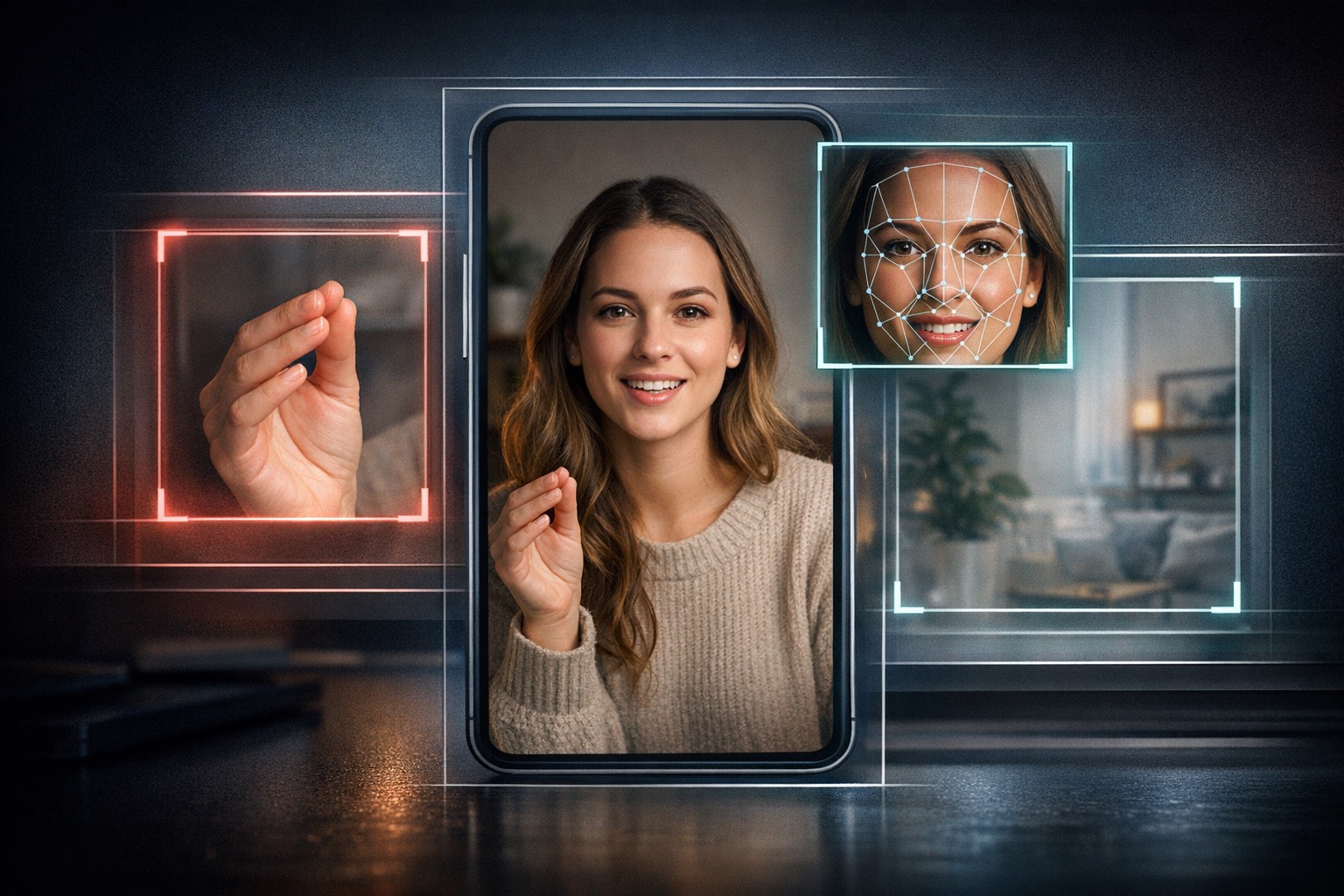
Step 2: Inspect the frame-level inconsistencies
Paused-frame clues still matter, but they are strongest when several of them cluster together instead of acting like one “gotcha.”
In Reels, the strongest visual clues often hide in the small things: hands, teeth, jewelry, fabric texture, hair edges, and the boundary between the presenter and the room around them.
- Hand and finger geometry: Watch for fingers that subtly merge, stretch, or change thickness as the gesture changes.
- Face-detail stability: Eyelashes, teeth, nostrils, and mouth corners should not sharpen and soften in inconsistent ways from moment to moment.
- Background logic: Furniture, wall objects, plants, and other room details should not drift identity when the camera has not changed enough to justify it.
- Lighting agreement: Highlights and shadows on the face, hands, and background should still make sense as one scene rather than several conflicting light sources.
Step 3: Watch the motion and lip-sync over time
A still frame can look normal while the sequence behaves unnaturally. That is why motion review matters so much in short-form video.
Once the frame looks suspicious, do not stop there. Play the Reel again and watch how the face, mouth, shoulders, and hands behave from one nearby frame to the next.
- Micro-flicker under motion: Facial detail and object edges can pulse as the speaker turns or gestures.
- Mouth-shape mismatch: Lip positions should broadly agree with the cadence and phonemes of any visible speech.
- Shape drift: Jawlines, cheeks, shoulders, and hand shapes should not wobble more than the movement itself explains.
- Repeating instability: One odd frame may be compression. Repeated structural instability across several moments is much more useful evidence.

Step 4: Check the source story before you trust the clip
Even a strong detector signal does not replace the question of where the Reel came from and whether the surrounding story still adds up.
Source context is where many reviews either get stronger or fall apart. If the Reel came from an anonymous repost account, a clipped re-upload, or a screen-recorded repost with no clear origin, your conclusion should stay more cautious.
- 01Check the posting account
Look at the account history, posting pattern, and whether the clip fits the creator’s normal style or audience.
- 02Compare circulating copies
If several versions exist, see whether the suspicious behavior appears in all of them or only in a degraded repost.
- 03Record what provenance is missing
If you cannot tie the Reel back to a trustworthy source or acquisition path, say that directly instead of implying hidden certainty.

When Instagram Reel detection gets harder
Short-form social clips often arrive with exactly the kinds of evidence damage that lower certainty: reposts, edits, overlays, and weak source history.
- Screen recordings: Refresh artifacts, moire, blur, and second-generation noise can make real clips look unstable.
- Heavy creator editing: Filters, cuts, captions, stabilization, and soundtrack swaps can alter the evidence without proving synthetic origin.
- Very short duration: Extremely short Reels leave less time for temporal review and reduce how much cross-checking the file supports.
- Weak provenance: If the clip is far removed from its source, the honest output should stay proportionate to that missing context.
Sources and standards
Use the Instagram Reel checker as your first-pass review layer
DetectVideo’s dedicated Instagram page is built for the exact job this article describes: paste the Reel link, run a multi-signal check, and use the result to decide what to trust, what to escalate, and what still needs human review.
Related articles
A useful review looks for clusters of evidence, not one weird frame. The best signals show up across visuals, motion, sync, metadata, and provenance.
Detection is hard because the clips people care about most are often short, degraded, reposted, or missing evidence modules entirely.
A defensible workflow preserves the file, separates review stages, records missing evidence, and defines when to escalate instead of guessing.
About this article
Written by DetectVideo Editorial Team.
Technical review by DetectVideo Methodology Review.
Last updated April 18, 2026. Related articles are included for readers who want adjacent context, terminology, and workflow guidance.