How to Tell If a Video Is AI-Generated: Signals That Actually Matter
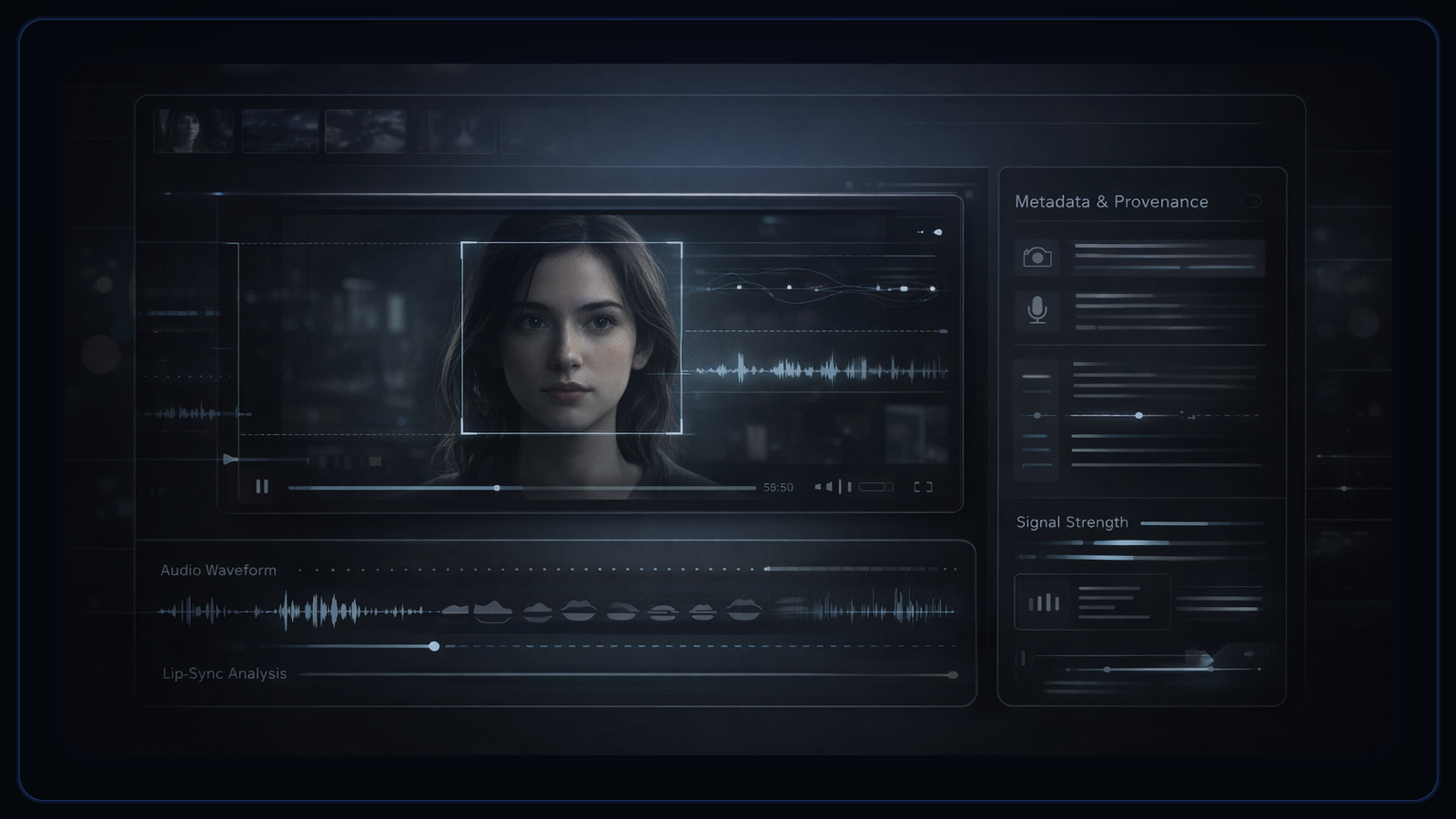
A useful review looks for clusters of evidence, not one weird frame. The best signals show up across visuals, motion, sync, metadata, and provenance.
- 01
Look for patterns across multiple signal types instead of treating one glitch as proof.
- 02
Motion, lip-sync, and continuity usually tell you more than a paused frame does.
- 03
Weak file quality lowers certainty even when a clip feels suspicious.
- 04
Metadata, provenance, and source context can change how strong your conclusion should be.
People love the idea of one giveaway: the six-finger hand, the warped glasses, the impossible reflection. That shortcut is appealing, but it is also how bad calls start.
Real verification is multi-signal. A clip can look clean in a still frame and still fail over time, or look suspicious only because it was reposted, compressed, or screen recorded. That is why DetectVideo treats the problem as a signal stack, as outlined in our detection methodology and analysis workflow.
Visual artifacts
Visual issues matter most when several of them cluster together instead of appearing as a single isolated glitch.
Visual tells still matter. They just work better as part of a pattern than as a magic trick.
- Unstable fine detail: Hair strands, fabric texture, eyelashes, jewelry, or lettering may sharpen and soften in inconsistent ways from frame to frame.
- Lighting that feels locally wrong: Faces and objects can carry highlights or shadow edges that do not agree with the scene’s broader light direction.
- Edge tension around composites: Jawlines, glasses, fingers, microphones, and moving foreground objects sometimes show haloing, soft seams, or odd boundaries.
- Background logic breaks: Crowds, signage, screens, or room details may morph subtly when the subject moves even though the camera perspective has not changed enough to justify it.
Motion, face, and sync clues
The strongest clues often appear over time, where geometry, motion, speech, and expression stop agreeing with each other.
This is where frame grabs fall short. A paused image can look ordinary while the sequence behaves unnaturally.
- Flicker under motion: Facial detail, clothing texture, or object edges pulse as the subject turns, speaks, or crosses the frame.
- Motion drift: Object geometry shifts slightly during movement, especially in shoulders, teeth, hands, or the boundary between face and background.
- Landmark instability: Eyes, mouth corners, nostrils, or jaw geometry drift more than the head movement should produce.
- Mouth-shape mismatch: Visible mouth positions do not fully line up with the phonemes or cadence that the audio suggests.
- Scene persistence errors: A detail that should remain stable through a shot changes identity, such as earrings, lapels, wall objects, or the outline of a chair.
Metadata and provenance clues
Pixels do not carry the whole story. File history and origin evidence determine how far a reviewer can safely go.
Reviewers often focus on pixels first and provenance later. In higher-stakes cases, that order is backwards.
- Export and packaging traces: Codec, container, and timing fields can suggest platform re-exports, editing steps, or other packaging history.
- Missing or contradictory metadata: Absent fields are not proof of manipulation, but inconsistent timestamps or packaging details are worth documenting.
- Provenance gaps or signed credentials: If a clip has no credible chain back to a source capture, your claim should stay limited. If valid credentials exist, they materially improve context.
If you are new to provenance review, our explainer on content credentials and C2PA is a good companion.
What a real verification workflow looks like
A strong review is a workflow, not a vibe. The goal is to separate evidence streams and record what the file could not support.
- 01Preserve the best available copy
Avoid making decisions from a screenshot or a repost if the original file or closest-to-original export can be obtained.
- 02Review signal categories separately
Inspect visual, temporal, facial, audio, metadata, and provenance evidence as distinct streams before combining them.
- 03Record evidence quality
Note when audio is missing, the clip is very short, or the file has been re-encoded enough to reduce confidence.
- 04Check source context and provenance
Ask where the clip came from, how it was obtained, and whether a source, platform, or creator can provide corroboration.
- 05Escalate when the consequences are high
If the clip affects publication, moderation, public safety, or evidence handling, move it to human review instead of forcing certainty from automation.
When human review matters most
The higher the consequence, the more important it is to record uncertainty instead of forcing a hard label.
Human review becomes especially important when the stakes are legal, reputational, or fast-moving; when the clip has weak provenance; when the media is short or degraded; or when the result is strong but the surrounding source story still does not add up.
A high AI-likelihood score is not proof. A low AI-likelihood score is not an authenticity certificate. Strong claims still need source validation, provenance review, and human judgment.
Sources and standards
Use DetectVideo as a first-pass review layer
DetectVideo does not reduce authenticity review to one clue. It combines the signal categories that matter most and reports how much evidence was actually available, so teams can decide what to trust, what to escalate, and what still needs human review.
Related articles
Detection is hard because the clips people care about most are often short, degraded, reposted, or missing evidence modules entirely.
These terms are often used interchangeably, but they answer different questions. One inspects the media itself, one may focus on impersonation, and one carries provenance context.
A defensible workflow preserves the file, separates review stages, records missing evidence, and defines when to escalate instead of guessing.
About this article
Written by DetectVideo Editorial Team.
Technical review by DetectVideo Methodology Review.
Last updated April 16, 2026. Related articles are included for readers who want adjacent context, terminology, and workflow guidance.