How to Detect If a YouTube Short Is AI-Generated: A Step-by-Step Guide
The safest way to review a suspicious YouTube Short is to preserve the cleanest version, separate frame clues from motion and speech-sync clues, and confirm the source story before you trust the clip.
- 01
Start from the original Short URL or closest-to-original version you can get.
- 02
Check paused-frame detail and sequence-level motion separately.
- 03
Use speech-sync and source-channel context when those signals are available.
- 04
Treat repost history, edits, and missing provenance as evidence limits, not proof.
YouTube Shorts often travel further than their original upload context. By the time a suspicious Short reaches a newsroom, moderator queue, or internal chat, it may already be clipped, re-uploaded, or stripped of the source story that would make review easier.
That is why a good Shorts review combines media behavior with source validation. The goal is not one magic glitch. The goal is deciding what the file really supports and what still needs human judgment.
Step 1: Preserve the best Short you can review
The first question is whether you are looking at the original Short or a degraded re-upload that already lost useful evidence.
Start with the public YouTube Shorts URL if possible. A platform URL usually keeps more context than a clipped export, a messaging-app repost, or a screen-recorded copy.
- 01Save the Short URL and visible context
Record the source channel, title, visible captioning, and exact link before the upload changes or disappears.
- 02Prefer the closest-to-original version
If several copies are circulating, choose the least degraded one before you start making claims from artifacts.
- 03Log edits or recapture clues
Captions, zooms, cuts, overlays, or screen-recording artifacts should be documented because they change what the detector can confidently infer.
Step 2: Inspect the frame-level inconsistencies
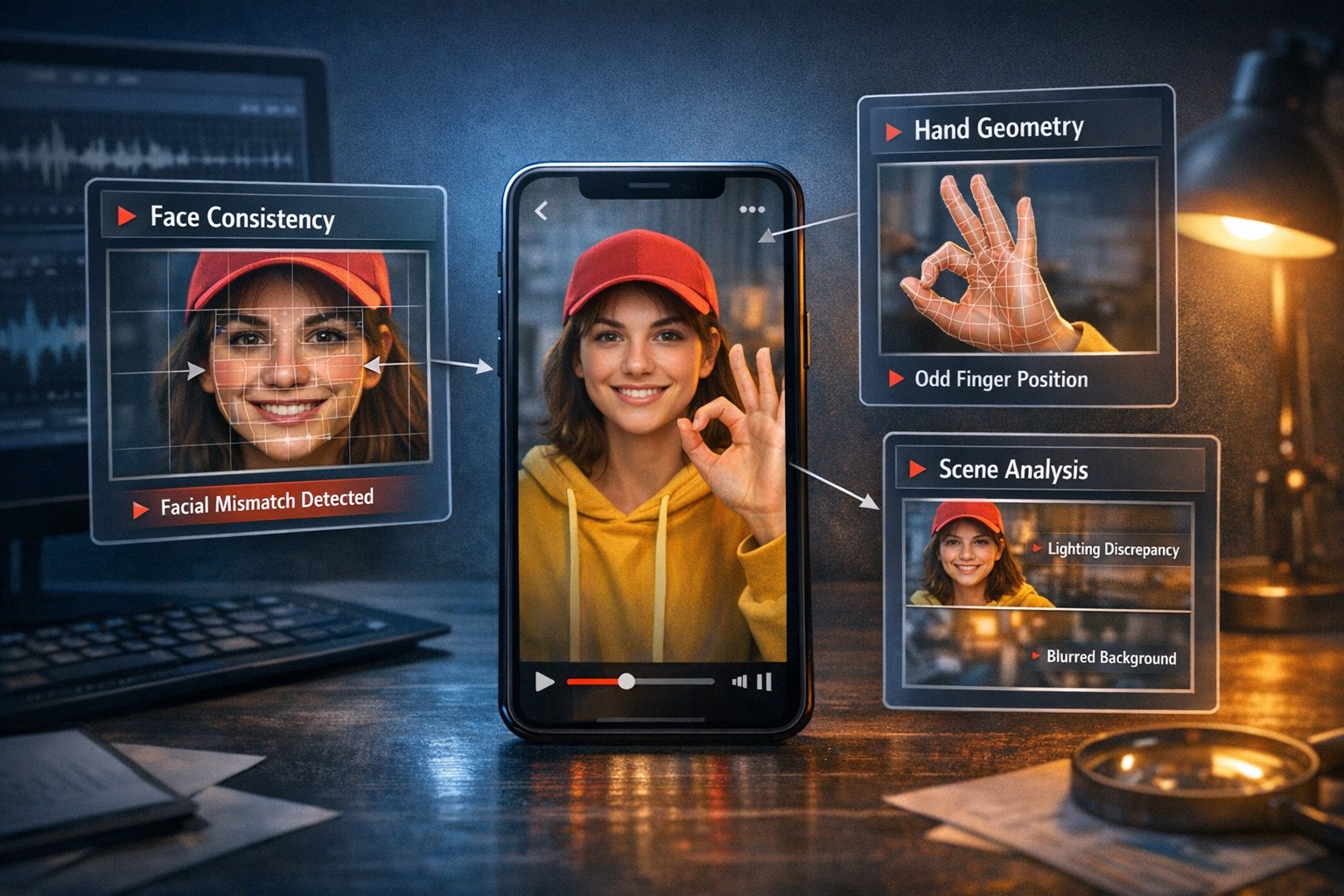
Paused-frame clues still matter, but they become persuasive only when several of them cluster together.
In suspicious Shorts, the strongest visual clues often hide in hands, teeth, hair edges, jewelry, clothing texture, and object boundaries that should remain stable through the shot.
- Hand and finger geometry: Watch for fingers that subtly merge, stretch, or change shape during nearby moments.
- Face-detail stability: Teeth, eyelashes, nostrils, and mouth edges should not sharpen and soften in inconsistent ways.
- Scene continuity: Background objects should not drift identity if the camera movement does not justify it.
- Lighting agreement: Highlights and shadows across the subject and room should still behave like one scene.
Step 3: Review the motion and speech-sync over time
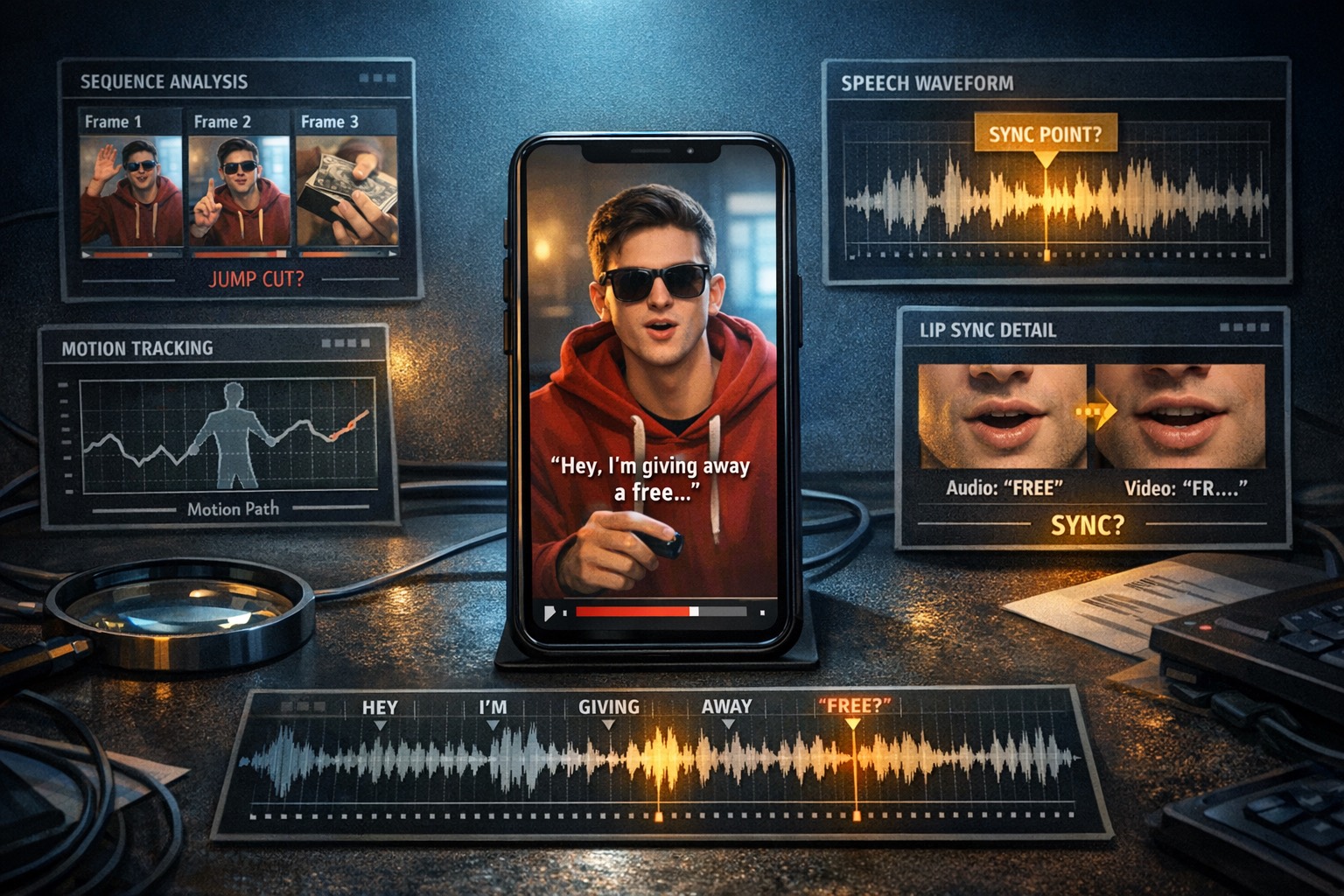
A Short can look normal in a still frame while the sequence behaves unnaturally, especially around motion and visible speech.
Replay the Short and watch how the face, mouth, shoulders, and hands behave from one nearby frame to the next. Repeated instability matters more than one awkward still.
- Micro-flicker under motion: Facial detail and object edges can pulse as the speaker turns or gestures.
- Shape drift: Jawlines, cheeks, shoulders, and hand shapes should not wobble more than the movement explains.
- Visible speech mismatch: If spoken audio is visible on screen, mouth positions should broadly agree with the cadence and phonemes you hear.
- Repeated instability: One odd frame may be compression. Repeated structural drift across several moments is much stronger evidence.
Step 4: Confirm the source story before you trust the Short
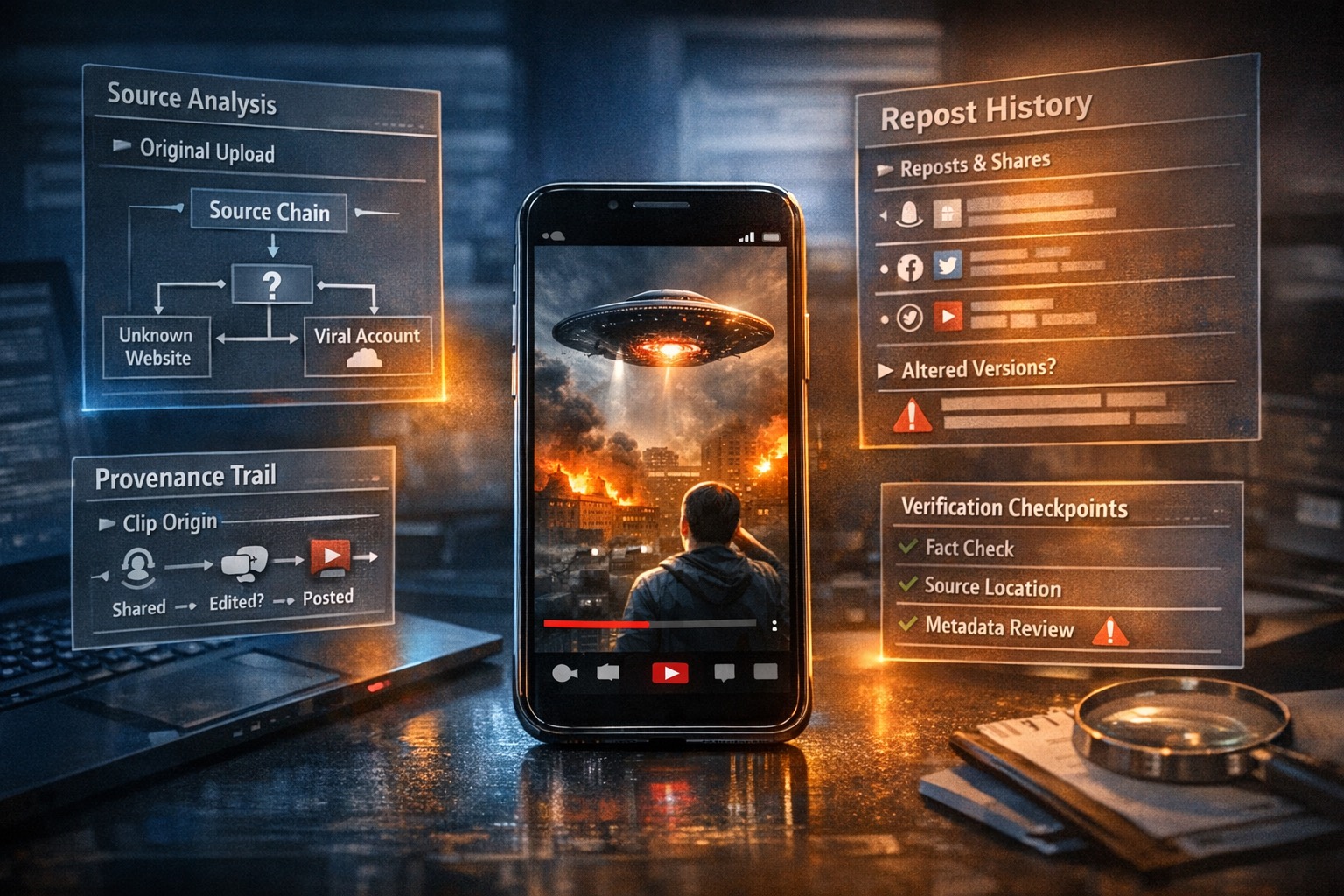
Even a strong detector signal does not replace the question of where the Short came from and whether the surrounding story still adds up.
Source context is where many Shorts reviews either get stronger or collapse. If the clip came from a repost channel, a clipped re-upload, or a screen-recorded copy with no clear origin, your conclusion should stay more cautious.
- 01Check the source channel
Look at the channel history, publishing pattern, and whether the clip fits the creator’s normal style and audience.
- 02Compare circulating copies
If several versions exist, see whether the suspicious behavior appears in all of them or only in a degraded re-upload.
- 03Record what provenance is missing
If you cannot connect the Short back to a trustworthy source or acquisition path, say that directly instead of implying hidden certainty.
When YouTube Shorts detection gets harder
Short-form clips often arrive with exactly the kinds of evidence damage that lower certainty: edits, re-uploads, weak audio, and weak provenance.
- Heavy editing and overlays: Captions, cuts, zooms, and layered commentary can change how the evidence looks without proving synthetic origin.
- Missing or weak audio: Muted or unusable audio removes one of the best cross-checks for visible speech and sync behavior.
- Re-uploads and screen recordings: Second-generation copies can erase the fine detail and timing behavior that careful review depends on.
- Weak provenance: If the clip is far removed from its source channel or original upload path, the honest output should stay proportionate to that missing context.
Sources and standards
Use the YouTube Shorts checker as your first-pass review layer
DetectVideo’s dedicated YouTube page is built for the exact job this article describes: paste the Short link, run a multi-signal check, and use the result to decide what to trust, what to escalate, and what still needs human review.
Related articles
The safest way to review a suspicious TikTok is to preserve the cleanest version, separate frame clues from motion clues, and verify the source chain before you trust the clip.
The safest way to review a suspicious Instagram Reel is to slow down, preserve the cleanest version, inspect the frame and motion clues separately, and check the source story before you trust the clip.
A useful review looks for clusters of evidence, not one weird frame. The best signals show up across visuals, motion, sync, metadata, and provenance.
About this article
Written by DetectVideo Editorial Team.
Technical review by DetectVideo Methodology Review.
Last updated April 18, 2026. Related articles are included for readers who want adjacent context, terminology, and workflow guidance.